Rigid count sheets. No real sense of how far along a count actually is. Operators who end up confirming the quantity they see on screen instead of really counting. Then a scramble to reconcile everything in the ERP once it's all "done."
Aptagram WMS treats inventory counts as a normal, agile operation — not an annual ordeal.
Count exactly what you want, whenever you want
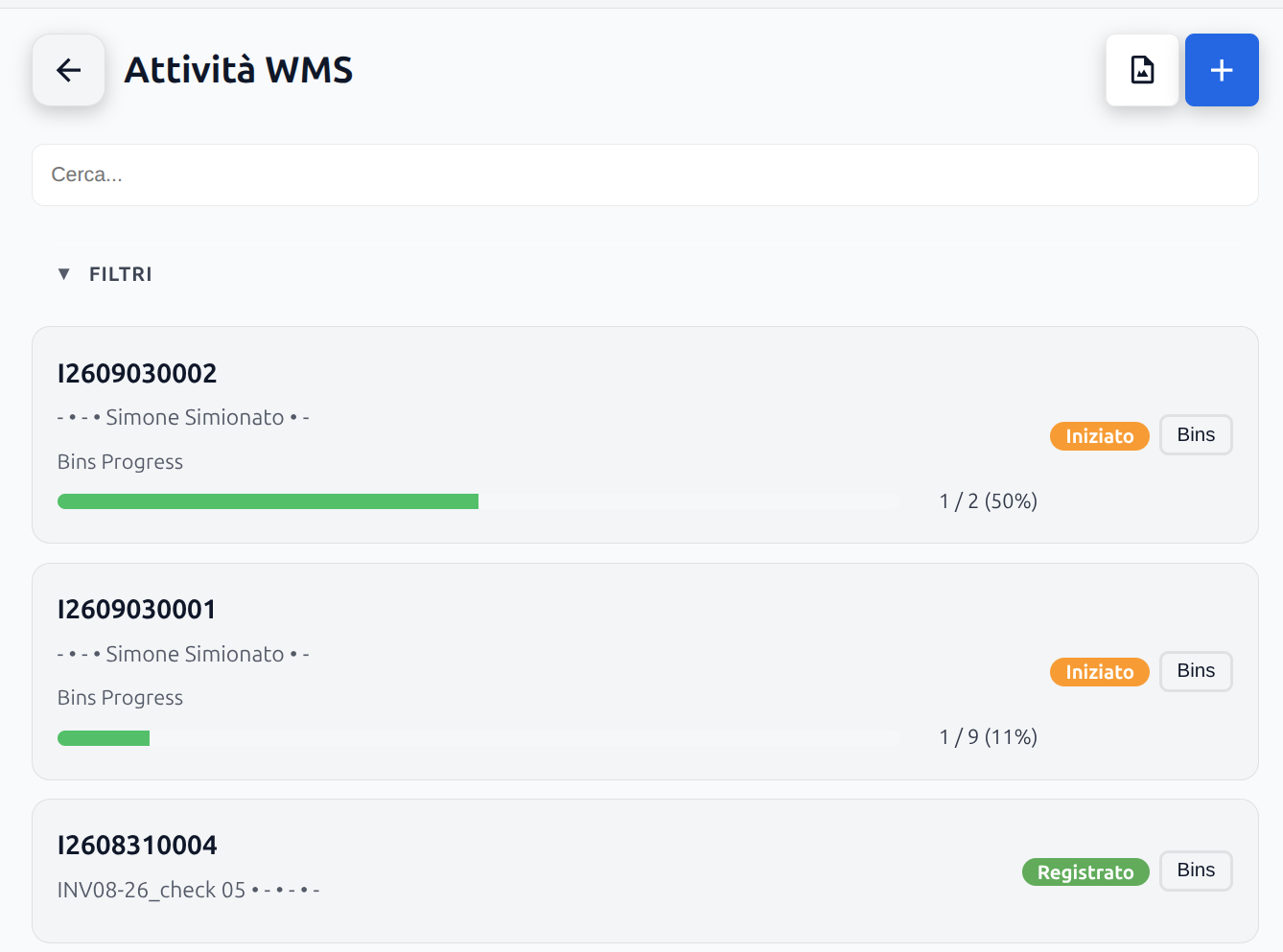
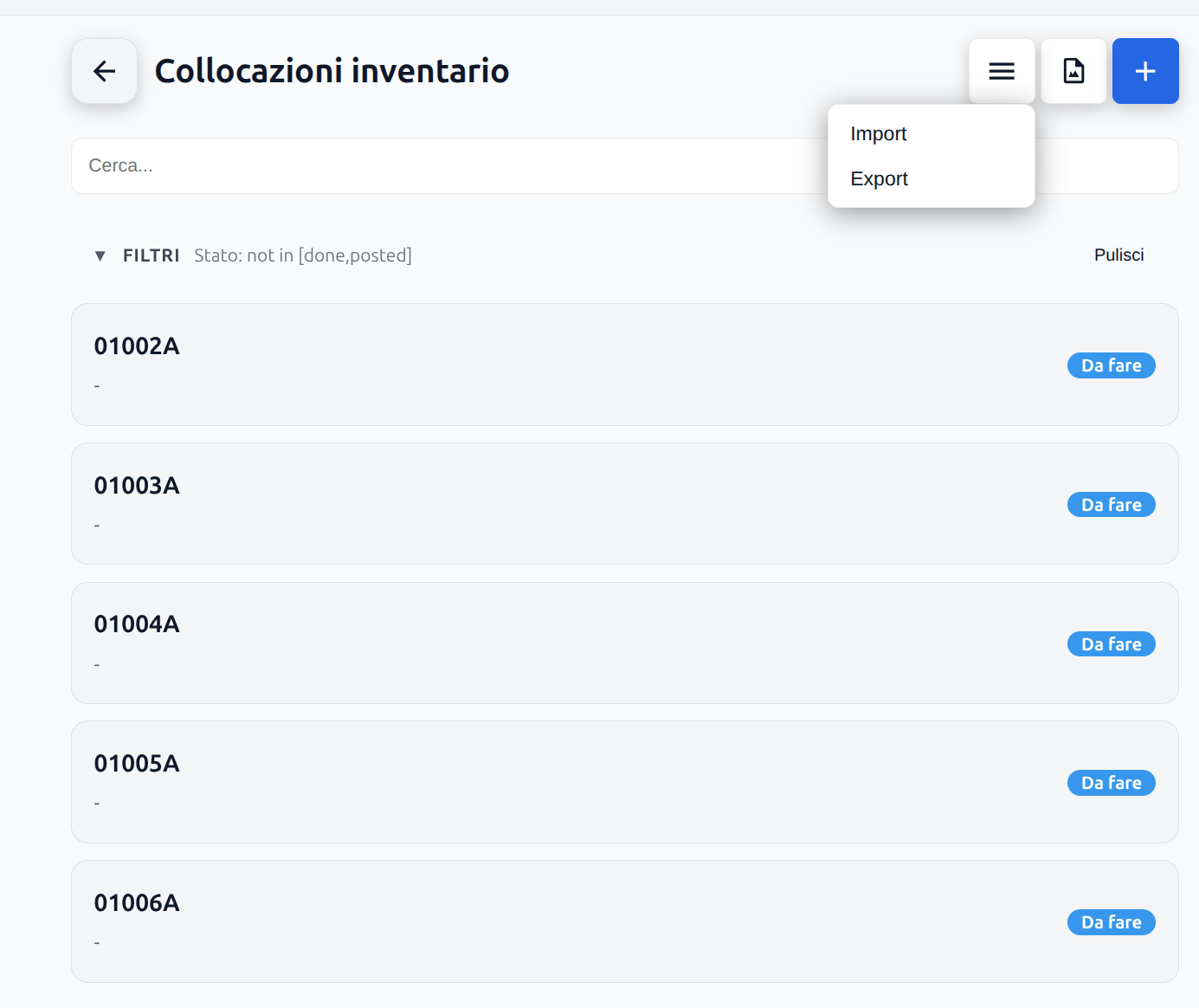
Every count starts from a scope you define: any set of locations and any set of products, combined however you need — one bin, one aisle, one product family, or the whole warehouse. There's no rigid pre-generated list to work through top to bottom; each location pulled into scope becomes its own trackable task.
Bin by bin, with progress you can see
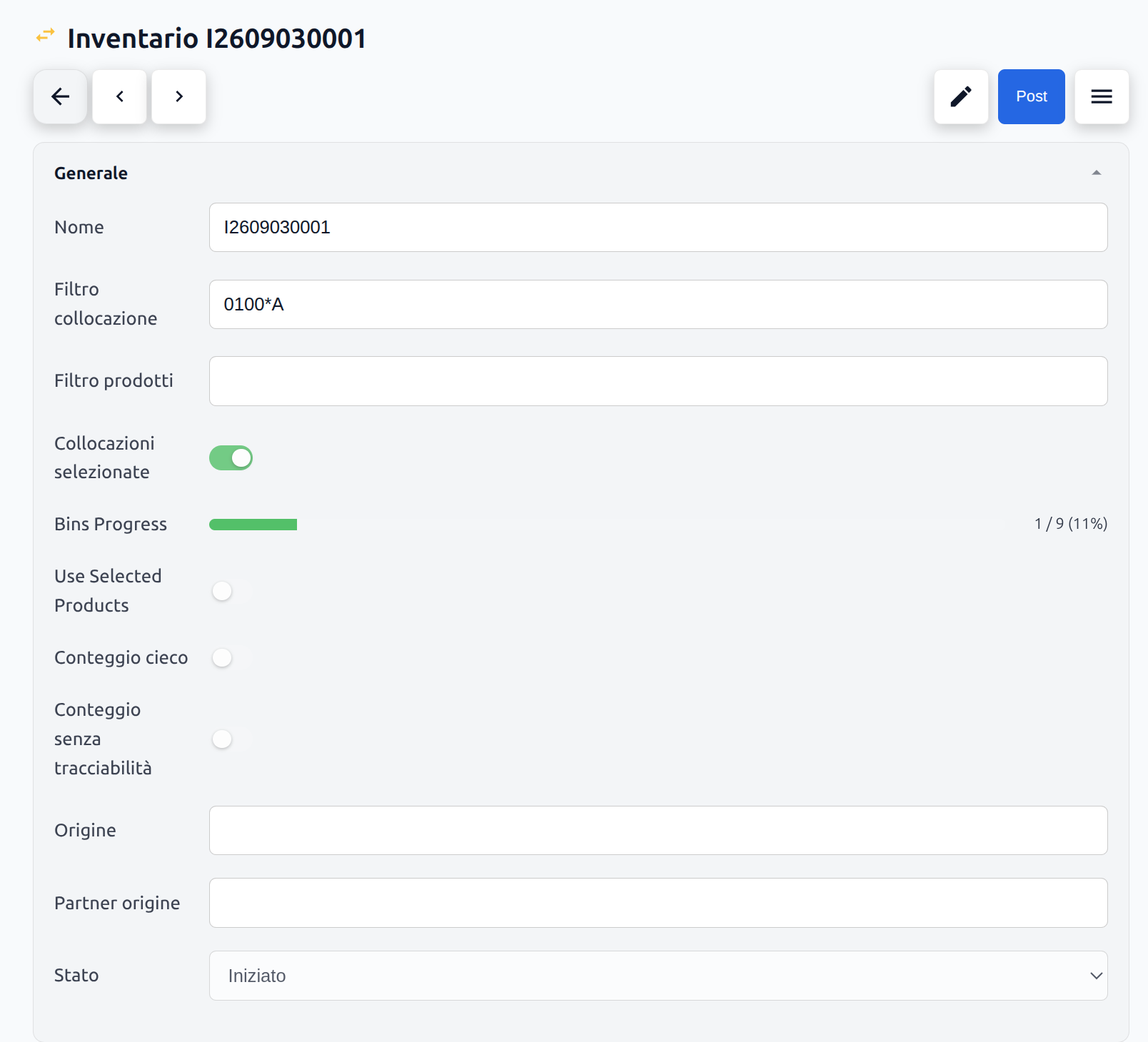
As bins get counted, a live progress bar updates — bins done versus bins left, shown as both a fraction and a percentage. Run several counts at once and each one tracks its own progress independently, so it's always clear how far along things are, and whether one has stalled.
Fast when you can be, precise when you need to be
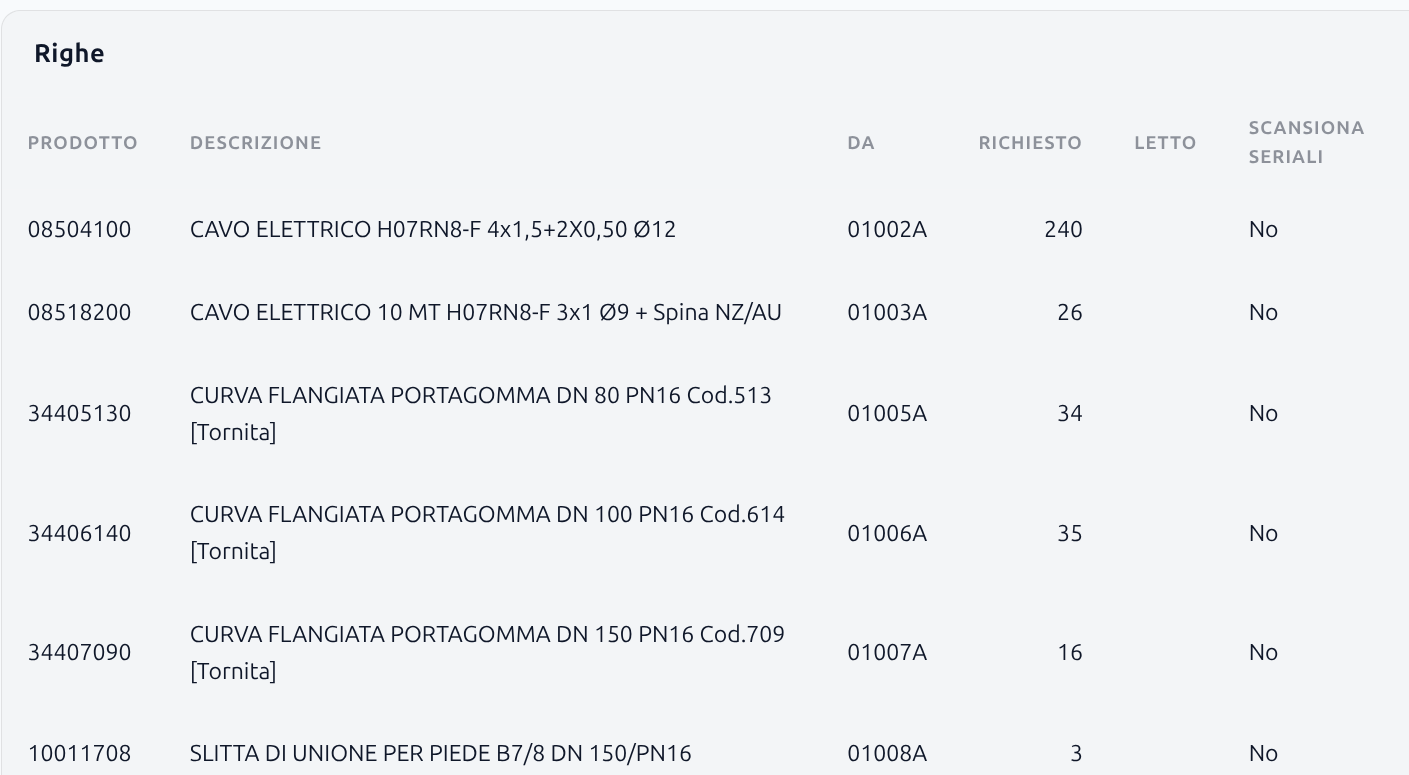
Most counts don't need serial-level detail — just a quantity, scanned fast, line after line. So that's the default: count without entering serial numbers at all. Only when a line's total doesn't match does the count drop down to serial level, to pinpoint exactly where the difference is instead of re-checking everything.
Blind counts, for a count that means something
The expected quantity can be hidden from the operator entirely. Without a number to confirm against, what gets recorded is what's actually on the shelf — not an anchor the operator unconsciously counts toward.
Synced with Business Central, on your terms
How a count lands in Business Central is fully configurable: post immediately, stage it as a journal for someone to review first, or run it fully interactive with a detailed check before anything posts. Either way, every movement — reason code, document, quantity — is tracked and traceable back to the count that produced it.
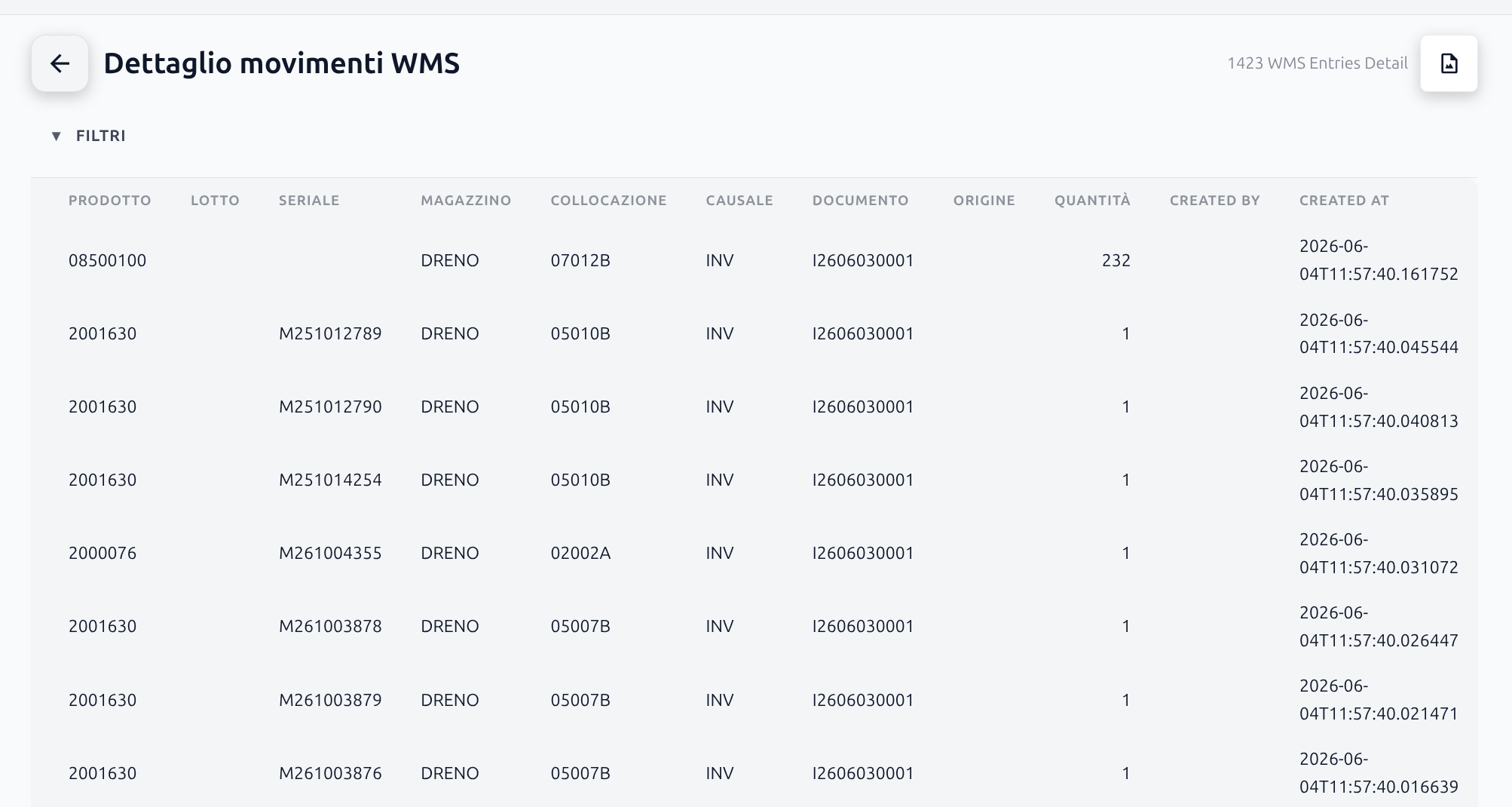
One pivot, every angle on the differences
Once a count closes, the differences it found — by quantity and by value — are ready to slice in a dynamic pivot view: group by bin, by product, by task, or stack several levels at once, with requested quantity, counted quantity, delta, and cost delta all summarized live. Instead of scrolling a flat list looking for what changed, you land straight on where it changed and how much it's worth.
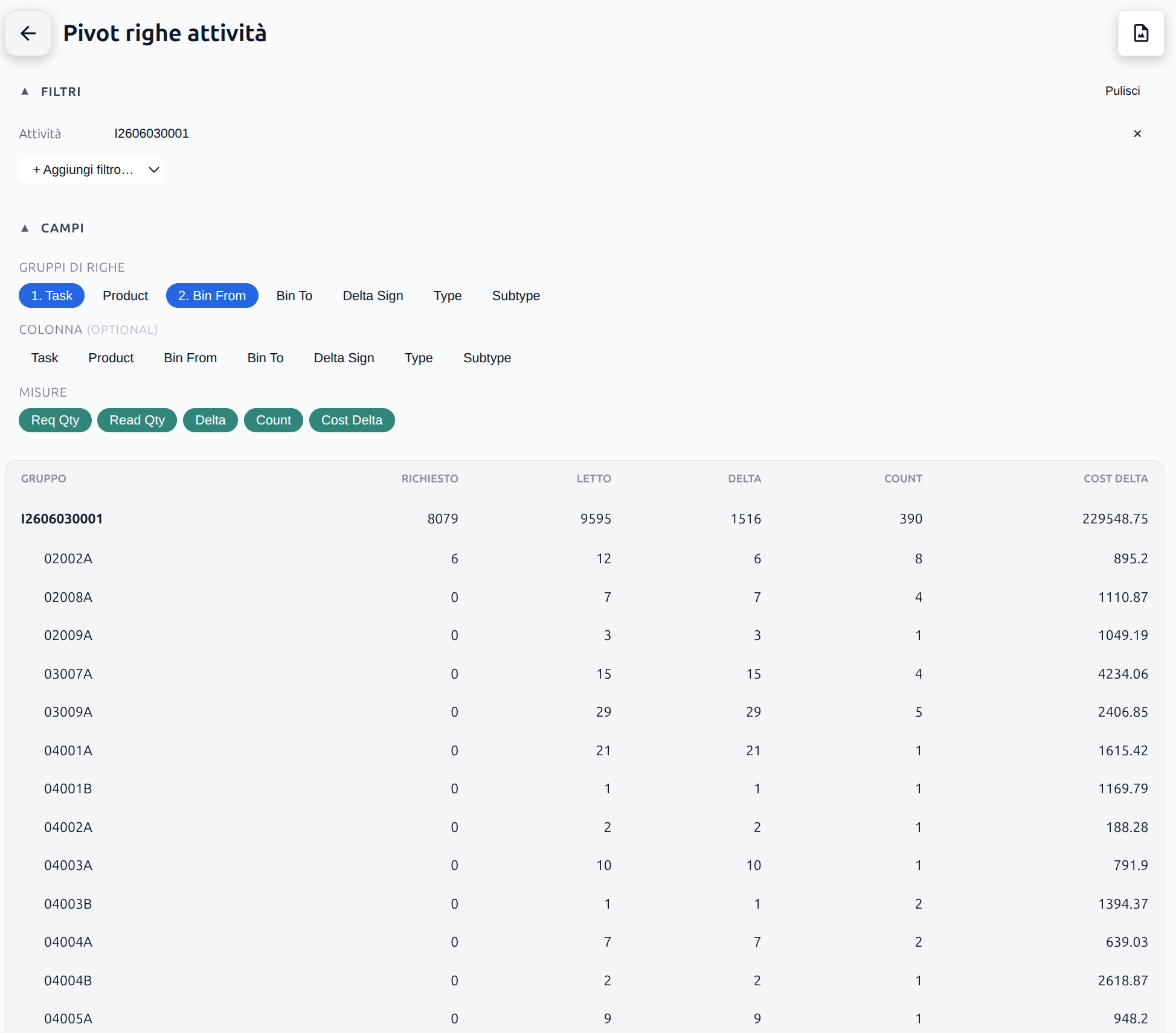
An inventory that tells you the truth, not what you expected to hear.